
This page turns the Steam requirement table into player guidance. It is most useful if your PC is near the VRAM or RAM line, or if you are deciding whether to wait for launch-week benchmarks.
Before release, no wiki can honestly promise performance. What it can do is identify risk: integrated graphics, low VRAM, slow storage, 16 GB RAM with heavy background apps, and handheld devices without verified support.
Minimum Requirements

The minimum spec is not a low-end integrated graphics target. Steam explicitly lists a dedicated AMD or NVIDIA card with at least 6 GB VRAM. If your laptop relies on integrated graphics or a 4 GB VRAM GPU, wait for post-launch benchmarks before assuming the game will be comfortable.
Memory is also fixed at 16 GB RAM for both minimum and recommended. That usually means players should close heavy background apps before launch, especially on systems where browsers, capture software, or game launchers already consume several gigabytes.
The 30 GB storage line is moderate, but storage type still matters. If your system is close to the minimum GPU line, avoid adding slow disk loading on top of it. Dense city games often stream interiors, lighting, traffic, and weather, so the recommended SSD note is worth taking seriously.
| Component | Steam minimum |
|---|---|
| OS | Windows 10/11, 64 bit |
| CPU | AMD or Intel CPU |
| Memory | 16 GB RAM |
| GPU | AMD or NVIDIA dedicated graphics card with at least 6 GB VRAM |
| DirectX | Version 11 |
| Storage | 30 GB available space |
| Input | Controller or keyboard and mouse |
Recommended Requirements

The recommended GPU line asks for 8 GB VRAM and gives GTX 2070 or newer as Steam's example. DirectX moves from version 11 minimum to version 12 recommended. Steam also calls out an SSD for recommended play, which is sensible for a dense city sim with streaming interiors, traffic, weather, and vertical scenery.
The final performance picture depends on launch build settings, resolution, and how heavy the simulation becomes in busy districts. This page will add practical presets after release if the community produces repeatable benchmarks.
Recommended should be read as the safer pre-launch target, not a guarantee of ultra settings. Resolution, upscaling options, crowd density, weather, reflections, and late-game city complexity can all affect the real experience.
| Component | Steam recommended |
|---|---|
| OS | Windows 10/11, 64 bit |
| CPU | AMD or Intel CPU |
| Memory | 16 GB RAM |
| GPU | Dedicated AMD or NVIDIA card with 8 GB VRAM; Steam names GTX 2070 or newer as its example |
| DirectX | Version 12 |
| Storage | 30 GB available space on SSD |
| Input | Controller or keyboard and mouse |
Can You Run It?
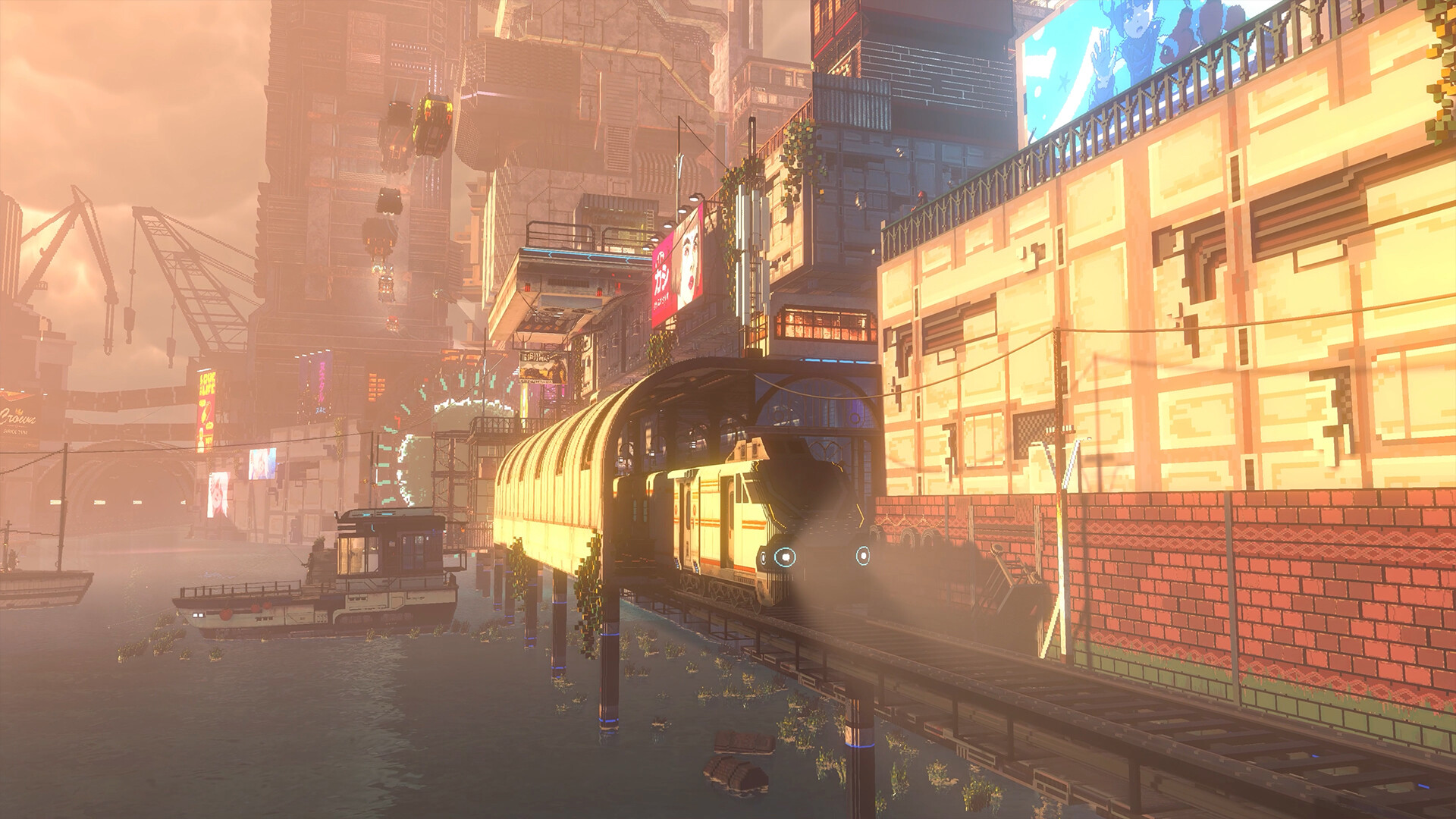
If you are below the VRAM line, the wiki cannot responsibly tell you the game will run well. The right move is to wait for a demo, launch-week benchmarks, or Steam user reports from similar hardware.
If you meet the minimum but not recommended, check your preferred resolution first. A dense city sim at 1080p can be a different workload from higher resolutions. After launch, this page should add practical presets based on repeatable player reports instead of isolated anecdotes.
Wait for benchmarks or a demo.
Matches Steam's minimum GPU wording.
Closer to Steam recommended.
Listed for both minimum and recommended.
- Check exact GPU model and VRAM, not only desktop or laptop brand.
- Keep at least 30 GB free, plus extra space for patches and shader caches.
- Use an SSD if possible, especially on systems near the minimum GPU line.
- Close browsers, capture tools, and heavy launchers if you only have 16 GB RAM.
- Wait for Steam Deck or handheld reports before assuming compatibility.
Benchmark Plan After Release
After launch, useful performance notes should be repeatable. A player report should include CPU, GPU, VRAM, RAM, storage type, resolution, graphics preset, upscaling settings if any, and the area tested. A single screenshot of the settings menu is not enough.
The first practical targets should be 1080p minimum-line hardware, 1080p recommended-line hardware, and handheld or compact PCs if players test them. Dense city areas, rain, interiors, and busy nightlife scenes should be tested separately because they may stress different parts of the system.
Until those reports exist, the honest advice is conservative. If you fall below Steam's minimum VRAM line, wait. If you meet minimum but not recommended, expect to lower settings. If you meet recommended, still check launch reports for the resolution you actually plan to use.
The page should not publish a performance tier until multiple reports agree. One unusually good or bad PC result can mislead players who are deciding whether to buy at launch, especially on laptops where wattage and cooling change the same GPU name.